Xbox One Software Update
$20 $35
Size
Like and save for later
Add To Bundle
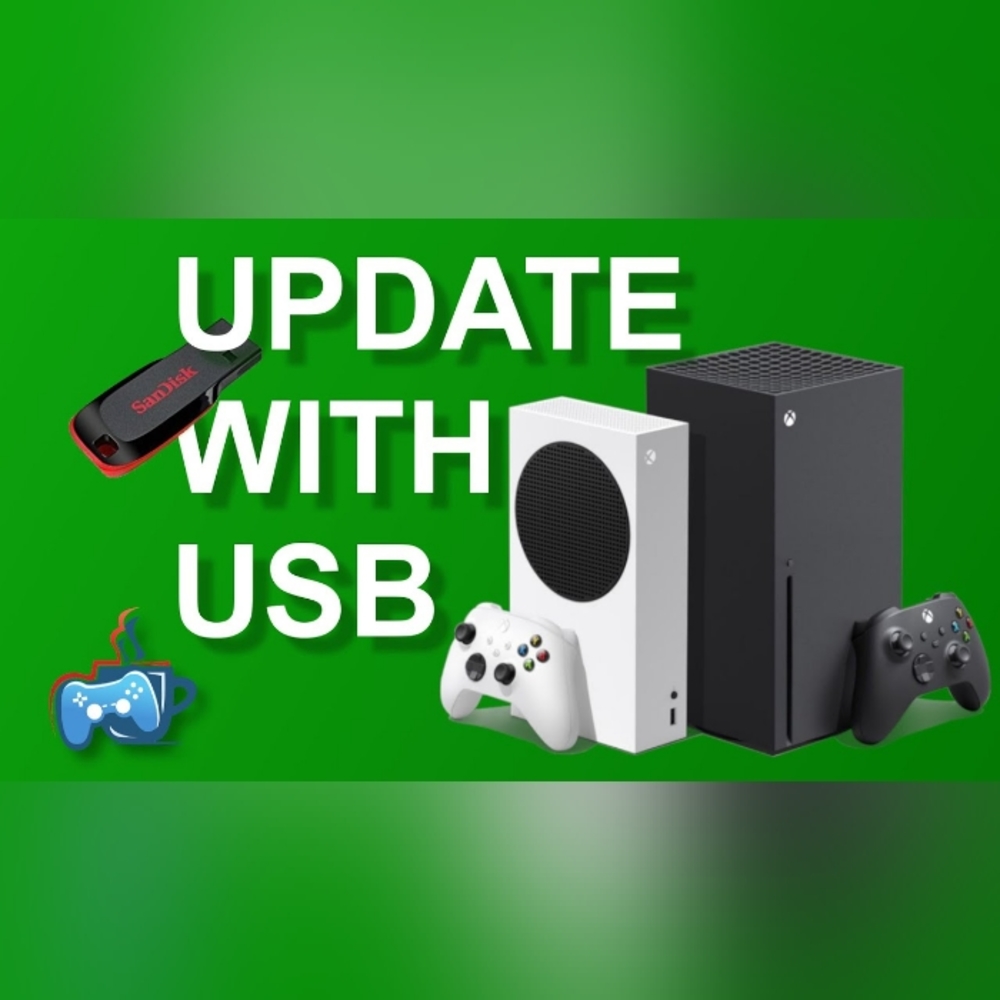
You can update your console using the Xbox Startup Troubleshooter. To bring up the Xbox Startup Troubleshooter, follow these steps:
Power off your console, and then unplug the power cord to ensure that the console is completely powered off.
Wait 30 seconds, and then plug the power cord back in.
Press and hold the Pair button (located on the left side of the console) and the Eject button (located on the front of the console), and then press the Xbox button on the console.
Note The Xbox Series S and the Xbox One S All-Digital Edition do not have Eject buttons. You can bring up the Xbox Startup Troubleshooter on these consoles by holding only the Pair button (steps 3 & 4) and then pressing the Xbox button .
Continue holding the Pair and Eject buttons for 10-15 seconds.
Listen for two “power-up” tones a couple of seconds apart. You can release the Pair and Eject buttons after the second power-up tone.
The console should power up and take you directly to the Xbox Startup Troubleshooter.

Plug the USB flash drive with the Offline System Update files into a USB port on your Xbox console. When the flash drive is inserted, the Offline system update option on the Xbox Startup Troubleshooter becomes active. Use the D-pad and A button on your controller to select Offline system update to initiate the update using the files saved on your flash drive.
Note The console restart may take several minutes. If you were using a wired connection, plug your network cable back into t
Shipping/Discount

Posh Protect: Buyer Protection Policy
Get your order as described or receive your money back. Learn More.




arge1983
and
4 others
like this
About the seller

@xboxgammod
Last Active: Mar 22
105
Listings20+
Sold Listings2 days
Avg. Ship time1
Love NotesFind Similar Listings
About the seller
@xboxgammod
Last Active: Mar 22
105
Listings20+
Sold Listings2 days
Avg. Ship time1
Love Notes
Account is under Review
Comment posting is temporarily restricted. Our team will reach out to you shortly. To understand why, select
Learn More.
Confirm Availability
This listing hasn’t been updated recently. Reactivate it to keep it available for sale.
Permanently remove this listing from your closet.
Delete Listing?
Your listing will be deleted. This action cannot be undone.
