
😉
$0
Size
Not for sale
Like and save for later
Shipping/Discount

Posh Protect: Buyer Protection Policy
Get your order as described or receive your money back. Learn More.
6 Comments

thriftfinder
Hey Shannon how do you mark something as sold. I just sold several items here on a different site
Mar 20Reply

shannon12104
@thriftfinder hey there! 😀 what I do is go into edit your item, at the very bottom you have the option to change the item to not for sale. It's right above the delete button. You can also write sold in the title and description as well so people know not to open it and look at it because it's not for sale. I hope this helps!🤗
Mar 20Reply
thriftfinder
@shannon12104 thanks lv you're the best 😍🙏🏻😄
Mar 20Reply
shannon12104
@thriftfinder sure thing! 😃 always happy to help out and don't hesitate to reach out with any more questions! ☺ congrats on your sales! 😁
Mar 20Reply
thriftfinder
@shannon12104 thanks. All the make up got taken maybe I should just delete them
Mar 20Reply
shannon12104
@thriftfinder yes, you could totally do that! I would probably just delete it as well. Good idea! 😉 the only time I usually keep the items on my page and mark them as sold is when they have not been sold on Poshmark and/or if I have some kind of conversation going on on that item that I want to keep, but if it's just likes and nothing else I just delete it. I've decided to remove various items in the past just because and in that case I just deleted them🙂
Mar 20Reply
About the seller
@shannon12104
Last Active: Jan 17
Frederick, MD
120
Listings100+
Sold Listings1 day
Avg. Ship time35
Love Notes

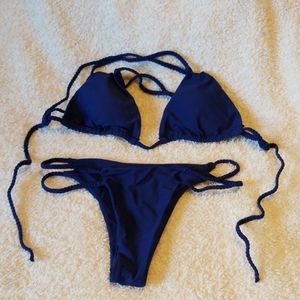
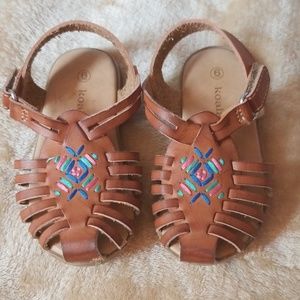
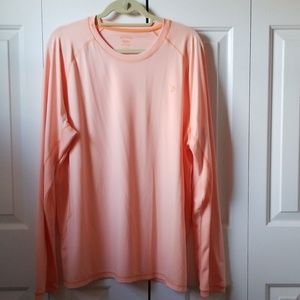
Find Similar Listings
About the seller
@shannon12104
Last Active: Jan 17
Frederick, MD
120
Listings100+
Sold Listings1 day
Avg. Ship time35
Love Notes
Account is under Review
Comment posting is temporarily restricted. Our team will reach out to you shortly. To understand why, select
Learn More.
Confirm Availability
This listing hasn’t been updated recently. Reactivate it to keep it available for sale.
Permanently remove this listing from your closet.
Delete Listing?
Your listing will be deleted. This action cannot be undone.
